Independent Screen Use
Each display may show a different element of the learning experience.
This can support reading and note-taking, instructions and responses, examples and problem-solving, or source comparison.
Digital Book
A technical specification can tell you how much memory a device has.
It cannot tell you why the device deserves a place in the classroom.
READTYCH begins with the learning experience and works backward into the technology required to support it.
Two E-Ink screens give students room to read and work at the same time. Wacom stylus technology keeps handwriting inside the digital experience. A Linux-based software foundation supports an education-focused interface. The connected platform brings books, notes, classes, assignments, feedback, approved applications, and learning insights together.
Every layer has a role.
The hardware creates the learning space.
The software organizes what happens inside it.
The platform connects one learning moment with the next.
Schools do not experience technology as a list of components.
They experience it when a device takes too long to start. When a stylus does not respond naturally. When students cannot find an assignment. When a platform adds another login. When a teacher loses time moving information between systems. When a technical team must support tools that were never designed to work together.
READTYCH is being developed as one connected hardware and software environment.
Its technical direction is shaped by practical educational questions:
The technology matters.
But its value begins with what it makes easier for students, educators, and schools.
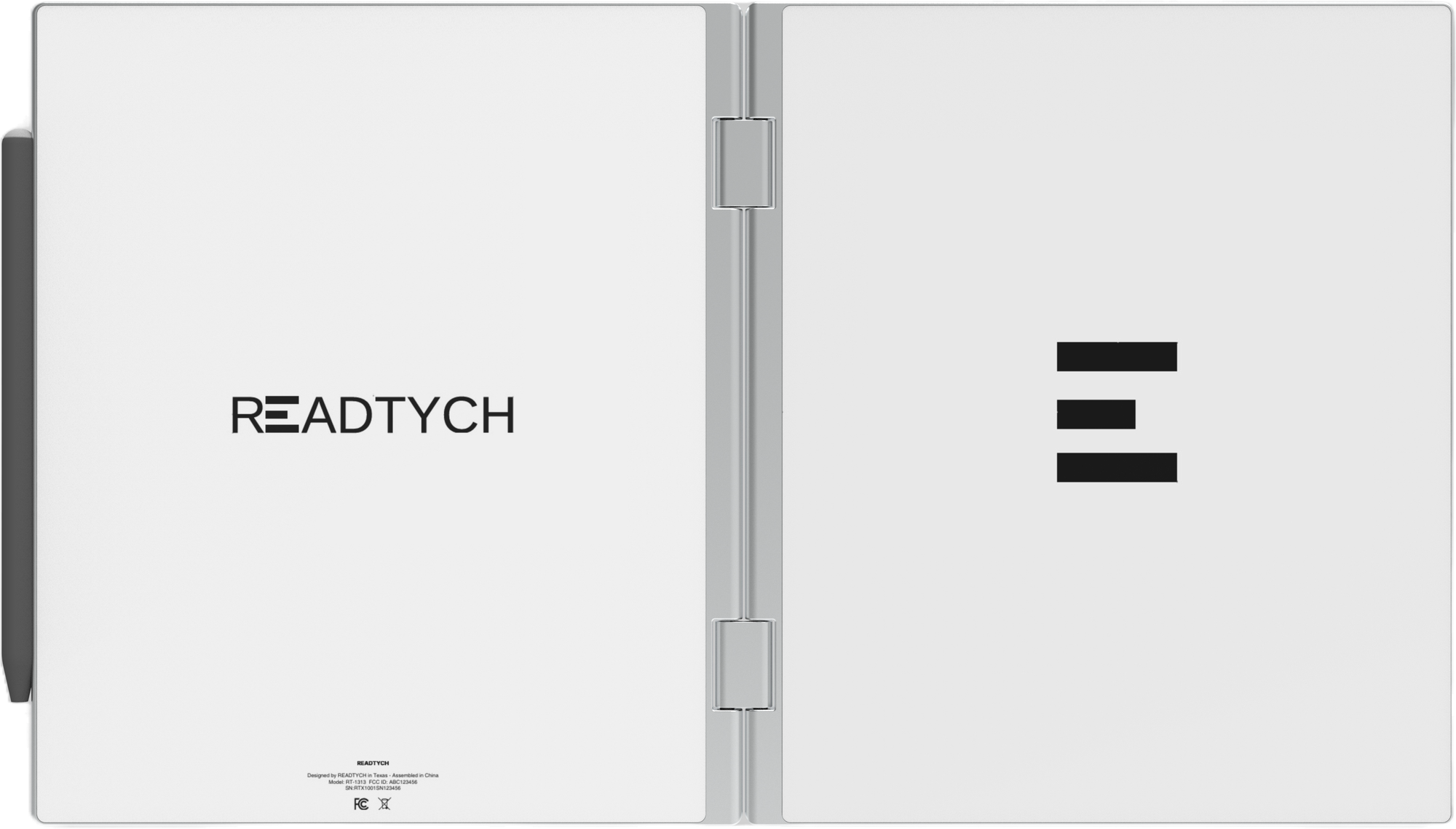
The READTYCH Digital Book opens to reveal two internal E-Ink displays.
Each screen creates its own working space. Together, they can support one connected activity.
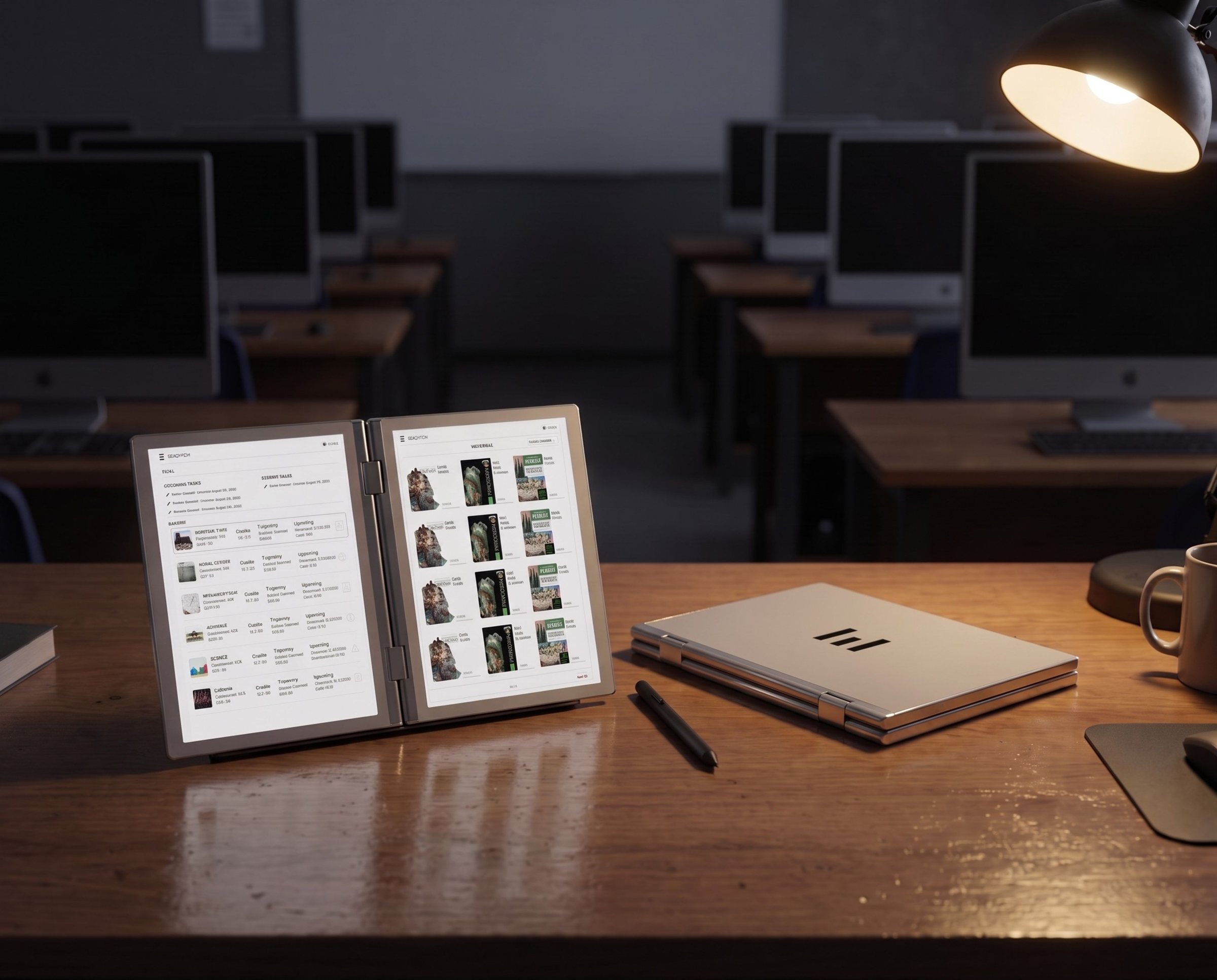
A student may keep a textbook open on one screen while taking notes on the other. A question can remain visible while the student writes the answer. Two sources can be compared side by side. Educator feedback can sit beside the original response during revision.
The screens may support independent content or coordinated learning workflows, depending on the activity and software.
Each display may show a different element of the learning experience.
This can support reading and note-taking, instructions and responses, examples and problem-solving, or source comparison.
The displays may work together as parts of the same lesson, application, or classroom workflow.
The current product direction includes touch interaction and Wacom stylus input across the internal E-Ink screens.
The bifold form creates a familiar left-and-right-page relationship while allowing digital material to behave in new ways.
The second screen is not there to double the amount of information placed in front of a student.
It is there to reduce the need to hide one part of the learning process to see another.
A school device may be used for reading, writing, note-taking, assignments, assessments, research, and revision throughout the day.
READTYCH uses E-Ink because the display technology aligns with these text-heavy learning activities.
E-Ink creates a paper-like visual experience rather than the illuminated appearance associated with most consumer tablets. It remains readable in bright environments and generally uses less power while displaying a static page.
For students, this supports a device centered on books, writing, and focused work.
For schools, it contributes to a product direction shaped around:
E-Ink has different performance characteristics from a conventional LCD or OLED display. Screen response, animation, video, color, refresh behavior, and application design must be considered carefully.
READTYCH is not trying to make E-Ink imitate every function of a consumer tablet.
The software is being designed around what E-Ink can do well for education.
Students do not think only through typed text.
They sketch. Calculate. Underline. Annotate. Draw arrows. Test incomplete ideas. Write in the margin. Work through the steps of a problem before arriving at an answer.
The current READTYCH product direction includes Wacom stylus technology for responsive digital writing.
Students may use the stylus to:
READTYCH is also exploring handwriting recognition that may help turn written work into organized and searchable digital information.
The original handwriting remains important. Recognition should support the work, not erase the student’s natural way of expressing it.
Technical validation will continue to examine stylus responsiveness, accuracy, writing behavior, palm interaction, gestures, and performance across relevant educational activities.
The current READTYCH software direction uses a Linux kernel with a proprietary interface developed around education.
The operating foundation supports the system beneath the experience. Students and educators interact with the READTYCH environment built above it.
That interface is being designed around the things users need to find during a school day:
The objective is not to expose users to the complexity of the underlying operating system.
It is to create an environment that feels clear, consistent, and focused on learning.
The interface should make it easier to understand what to read, what to complete, what is due, and what feedback has arrived.
The platform should support lesson preparation, activity distribution, student work review, feedback, and learning insight.
Authorized tools should support accounts, roles, content, applications, permissions, and institutional configuration.
The technical foundation matters most when the experience above it feels understandable.
The current READTYCH hardware architecture is being developed around a foldable educational device with two internal E-Ink displays.
The approved product direction includes:
An ARM-based processor forms part of the current architecture. The final processor model and operating performance will be confirmed through engineering validation.
The current direction includes 4 GB of RAM to support the operating environment, educational workflows, and planned platform functions.
The current direction includes 32 GB of internal storage for the operating system, applications, downloaded content, notes, assignments, and relevant device data.
Available user storage will depend on the final software configuration and system requirements.
The hardware direction includes an aluminum enclosure designed to support the foldable, book-like form.
The current device direction is approximately 16.6 millimeters thick and approximately 950 grams.
READTYCH is working toward a weight target of approximately 900 grams. Final dimensions and weight will be confirmed before commercial production.
The current target is approximately one to two weeks of battery life under normal school use.
Actual performance will depend on screen activity, wireless use, synchronization, applications, system configuration, battery capacity, and the final production hardware.
The current READTYCH direction includes Wi-Fi connectivity, with cellular or SIM capability planned as development progresses.
Connectivity may support:
READTYCH recognizes that schools do not all operate under the same connectivity conditions.
Some classrooms have reliable, high-capacity networks. Others work with limited bandwidth, intermittent access, shared infrastructure, or students who may not have dependable internet outside school.
The platform direction therefore includes consideration of local device activity, downloaded content, synchronization, and workflows that may not require a continuous connection.
Final offline behavior, synchronization rules, conflict handling, bandwidth requirements, and cellular options will be confirmed through development and pilot testing.
The Digital Book is the part students hold.
The wider READTYCH platform is what connects the device with the school environment.
The platform architecture is being developed to support:
This connection allows the student experience on the Digital Book to remain associated with the appropriate class, educator, institution, and learning activity.
The device supports what the student is doing now.
The platform helps connect that activity with what happened before and what may need to happen next.
Schools use valuable digital resources from publishers, educational application developers, assessment providers, content platforms, and other technology partners.
The challenge is that these tools often operate separately.
READTYCH is developing an education-focused application environment through which approved tools may become part of the connected learning experience.
Depending on the institution and product readiness, this direction may support:
Schools should be able to decide which applications belong in their learning environment.
Technical requirements, compatibility, data exchange, security review, licensing, and integration scope will be evaluated for each application or institutional deployment.
READTYCH is not entering schools under the assumption that every existing system will disappear.
Institutions may already rely on learning management systems, student information systems, identity providers, content platforms, device-management tools, communication services, assessment systems, and reporting environments.
Integration planning begins by understanding which systems are essential and what information must move between them.
Potential integration areas may include:
User authentication, account provisioning, single sign-on, and role management.
Courses, assignments, materials, submissions, grades, or educator workflows.
Authorized enrollment, class, school, and academic information.
Books, curriculum resources, publisher material, and institutional content.
Approved third-party tools that support selected learning activities.
Authorized information needed for school or district understanding.
No integration should be promised before its technical, legal, security, privacy, and operational requirements are understood.
READTYCH will evaluate compatibility with institutions and partners as the platform progresses through development and pilots.
A connected education platform must recognize that different users have different responsibilities.
A student should not see the same information as a teacher. A principal should not automatically have the same view as a district administrator. Access should reflect the institution’s approved roles and educational purpose.
READTYCH’s platform direction includes role-based experiences for:
Each role may receive access to the tools and information required for its responsibilities.
Permissions, data boundaries, administrative controls, and institutional governance will be established according to the applicable deployment, agreement, and legal requirements.
A secure education platform requires more than adding the word “secure” to a product page.
Security must be considered across the device, software, platform, accounts, networks, service providers, internal processes, and institutional implementation.
READTYCH’s security direction includes consideration of:
The final controls will depend on the architecture, data involved, institutional requirements, and stage of product development.
Security capabilities should be tested, documented, and reviewed before broader deployment.
Privacy is not only a policy question.
It is a technical design question.
The platform needs to consider what information is collected, where it is stored, which systems use it, who can access it, how long it is retained, and how it is deleted.
READTYCH’s privacy direction includes:
Collect and use only the information reasonably necessary for an authorized purpose.
Limit information according to institutional roles and responsibilities.
Use student information for authorized teaching, learning, support, and institutional functions.
Define how long information is needed and what happens when it is no longer required.
Do not allow a data point or AI-assisted output to independently determine a significant academic decision.
Student personal information should not be sold or used to create behavioral advertising profiles.
Specific technical controls, contractual terms, retention requirements, and data responsibilities will be established for each institutional program.
READTYCH is exploring AI-assisted capabilities for handwriting recognition, grading suggestions, feedback support, learning pattern identification, trajectory signals, and relevant resource recommendations.
Each capability creates different technical and governance questions.
The platform must consider:
AI-assisted output may be incomplete, inaccurate, or inappropriate in a particular context.
The technology may assist.
Educators and authorized institutions remain responsible for decisions.
Education technology continues to change after it enters the school.
Software updates may improve performance, add capabilities, correct issues, or address security needs. But institutions also need predictability and control.
READTYCH’s update and release direction will need to account for:
Schools should understand what is changing, when it will change, and whether action is required.
The final release, update, and support processes will be defined as the product moves toward pilot and commercial readiness.
A polished demonstration can show the intended experience.
A technical evaluation reveals what the institution will actually need to support it.
A READTYCH pilot may help examine:
Screen behavior, stylus responsiveness, startup, battery use, storage, charging, and physical handling.
Wi-Fi performance, bandwidth, filtering, authentication, synchronization, and limited-connectivity behavior.
User creation, access, permissions, classes, institutions, and administrative responsibilities.
Availability, synchronization, assignment workflows, feedback, and relevant system behavior.
Books, approved applications, licensing, access, compatibility, and distribution.
Connections required for identity, learning management, student information, content, or reporting.
Data flows, service providers, access, retention, incident response, and institutional requirements.
Training, issue escalation, device replacement, technical assistance, and ongoing administration.
Whether the technology supports the selected learning activities without introducing unnecessary friction.
Technical evaluation should not happen after the purchase decision.
It should help inform the decision.
READTYCH is progressing through active hardware and software development.
The current direction includes:
Final display details, processor model, battery capacity, charging, dimensions, weight, connectivity, certifications, durability testing, warranty terms, pricing, and commercial availability remain subject to validation.
Development transparency matters.
Schools and partners should be able to distinguish the current technical direction from verified production specifications.
The current READTYCH product direction includes two internal E-Ink touch displays, Wacom stylus technology, an ARM-based processor, 4 GB of RAM, 32 GB of internal storage, Wi-Fi, a Linux kernel, and a proprietary education-focused interface.
The two screens allow students to keep learning material visible while writing, solving, comparing, or completing work on the second display. E-Ink supports the paper-like reading and writing experience at the center of the Digital Book.
The current technical direction uses a Linux kernel beneath the proprietary READTYCH interface. The user experience is being designed around books, notes, classes, assignments, feedback, approved applications, and educational workflows.
READTYCH is evaluating potential connections with identity, learning management, student information, content, application, and reporting systems. Compatibility and scope will depend on the institution’s existing environment and the technical requirements of each integration.
READTYCH recognizes the need for learning activities that do not always depend on a continuous connection. Final offline content, local work, synchronization, and limited-connectivity behavior will be confirmed through development and pilot testing.
READTYCH is progressing through hardware and software development while preparing for pilot-focused validation. Schools, districts, education agencies, researchers, and strategic partners can discuss technical evaluation and participation opportunities with the READTYCH team.
The next page starts here
Two screens are useful because learning material can remain visible.
A stylus matters because students still think through handwriting.
Connectivity matters because assignments, feedback, and educational resources need to move.
A platform matters because one learning moment should make the next one easier to understand.
The technology is not the final story.
The student using it is.
READTYCH is being built so every component, screen, connection, and line of software serves the same purpose:
Help the student stay with the lesson.